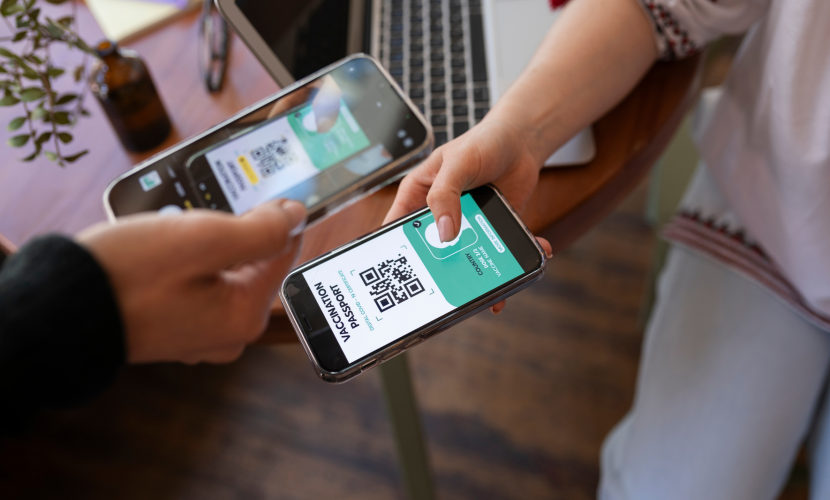
How to Use eSIM When Traveling Abroad
1️⃣ Make Sure Your Phone Supports eSIM
Most modern smartphones support eSIM, including devices from Apple, Samsung, and Google.
Examples include:
-
iPhone 15
-
Samsung Galaxy S24
-
Google Pixel 8
Also ensure that your phone is carrier-unlocked.
2️⃣ Choose an International eSIM Provider
Before traveling, buy a data plan from a global eSIM provider.
Popular options include:
ShopySIM
-
Airalo
-
Holafly
-
Nomad eSIM
These companies offer prepaid data packages for specific countries or regions.
3️⃣ Purchase and Receive the eSIM
After purchasing a plan, you’ll usually receive:
-
A QR code
-
A manual activation code
-
Setup instructions
You can install it immediately or wait until you reach your destination.
4️⃣ Install the eSIM on Your Phone
The setup process takes only a few minutes.
On iPhone
Devices from Apple
Settings → Cellular → Add eSIM → Scan QR Code
On Samsung
Devices from Samsung
Settings → Connections → SIM Manager → Add eSIM
On Pixel
Devices from Google
Settings → Network & Internet → SIMs → Download eSIM
5️⃣ Activate the eSIM When You Arrive
After landing in your destination country:
-
Turn on the eSIM line.
-
Enable Data Roaming for the eSIM.
-
Select the eSIM as your mobile data line.
Your phone will automatically connect to a supported local network.
6️⃣ Keep Your Home SIM Active (Optional)
One big advantage of eSIM is dual SIM usage.
Example setup:
-
Physical SIM → calls & SMS from your home number
-
eSIM → local data plan
Phones like the iPhone 15 and Samsung Galaxy S24 support this setup easily.
💡 Travel Tips for eSIM Users
✔ Install the eSIM before leaving home (requires internet).
✔ Turn off data roaming on your primary SIM to avoid charges.
✔ Use apps like maps and ride-hailing without needing Wi-Fi.
✔ Keep the QR code saved in case you need to reinstall the eSIM.
✅ Example scenario:
A traveler visiting Europe can buy a Europe regional eSIM from ShopySIM and instantly connect to networks in multiple countries without changing SIM cards.

Which Devices Support eSIM
07 Jul 2025
Troubleshooting Common eSIM Activation Issues
07 Jul 2025
How eSIM Is Changing the Way We Stay Connected
07 Jul 2025